Offline burn guidance for Eshan Hospital, with help one tap away on every screen.
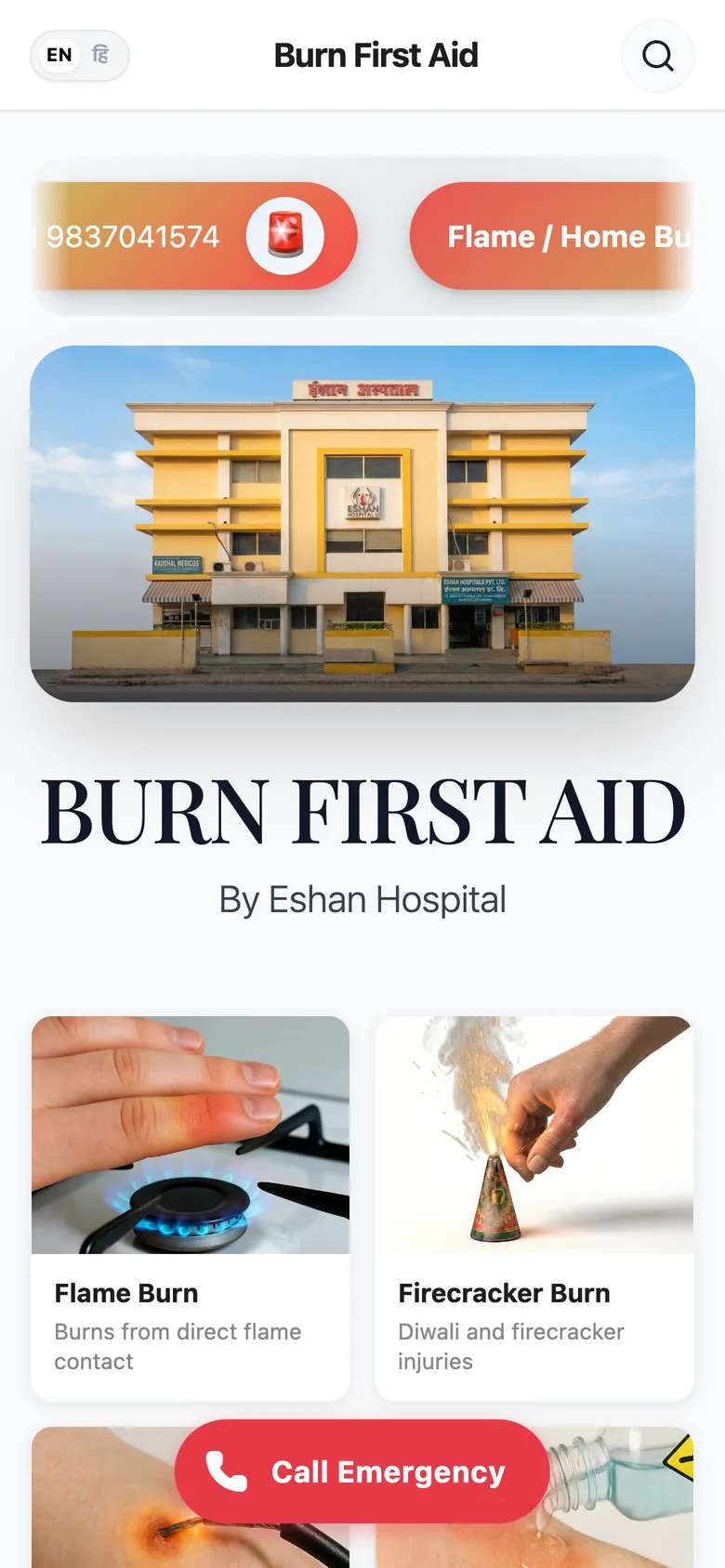
First aid, in your pocket.
Eshan Hospital asked for an app that made guidance for different types of burns available to anyone. It needed to work offline and keep an emergency-call button within reach on every screen.
Three things it had to do.
Works offline
Guidance stays available without an internet connection.
Emergency call, everywhere
One tap from any screen, no need to go back home first.
Accurate information
The hospital supplied every word of the medical content.
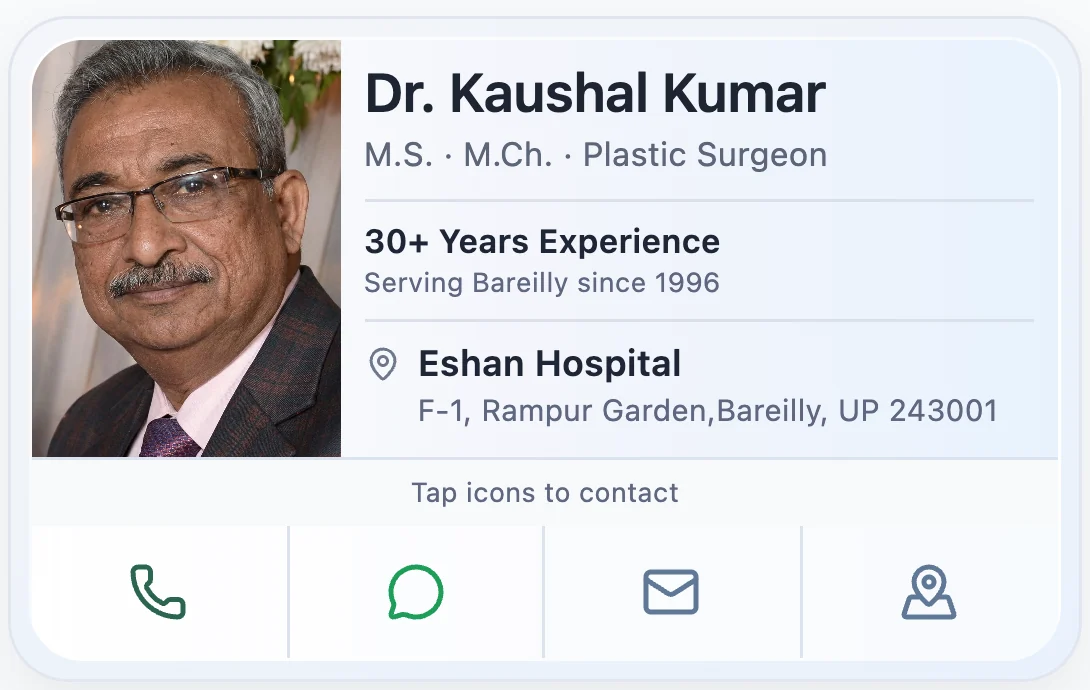
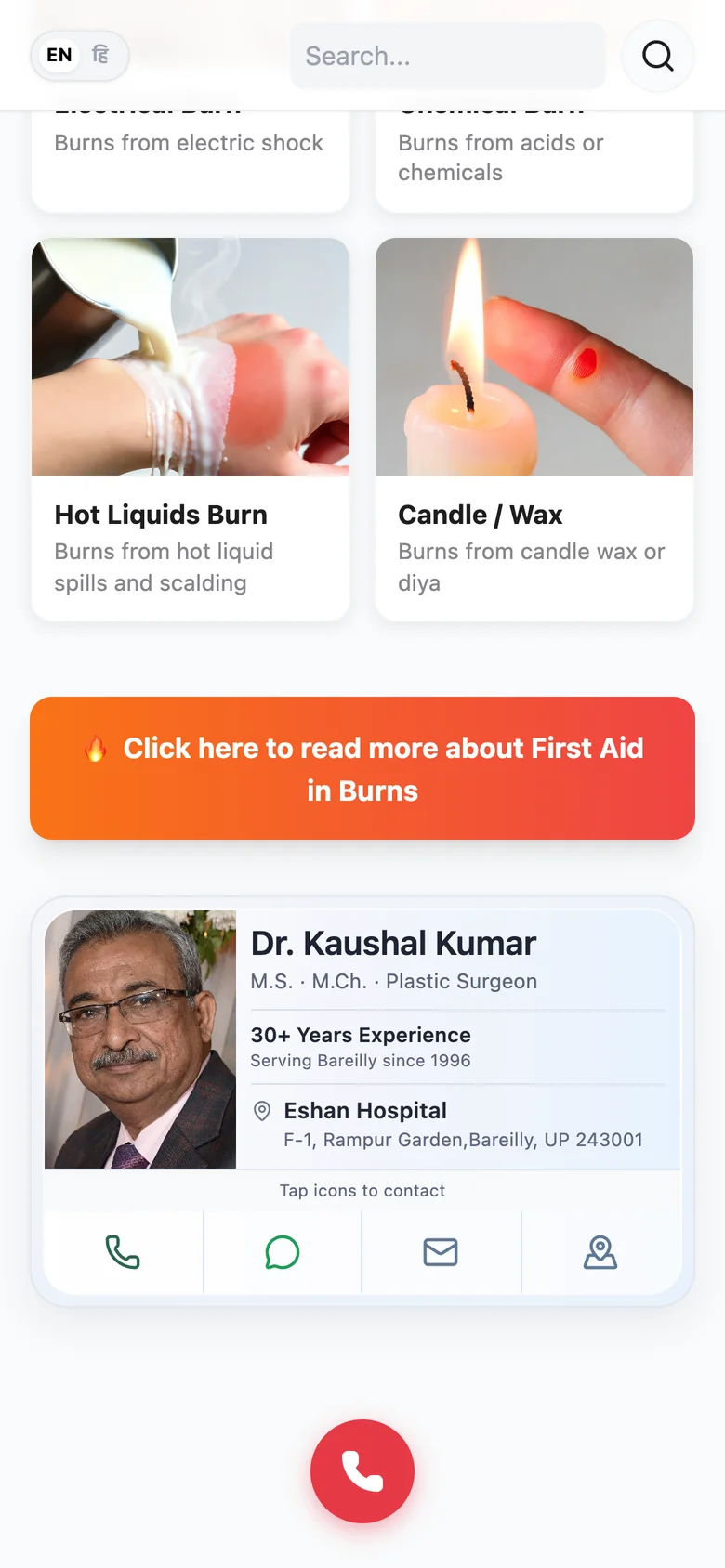
Real people behind it: the app ends with the hospital’s doctor card, one tap from a call, chat, email or directions.
Calm enough to read in a hurry.
I couldn’t assume who would install the app, so readability led every visual decision: restrained colours suited to a medical context, clear type, and red saved for the emergency action. Keep scrolling to read a real guide.
Photos first
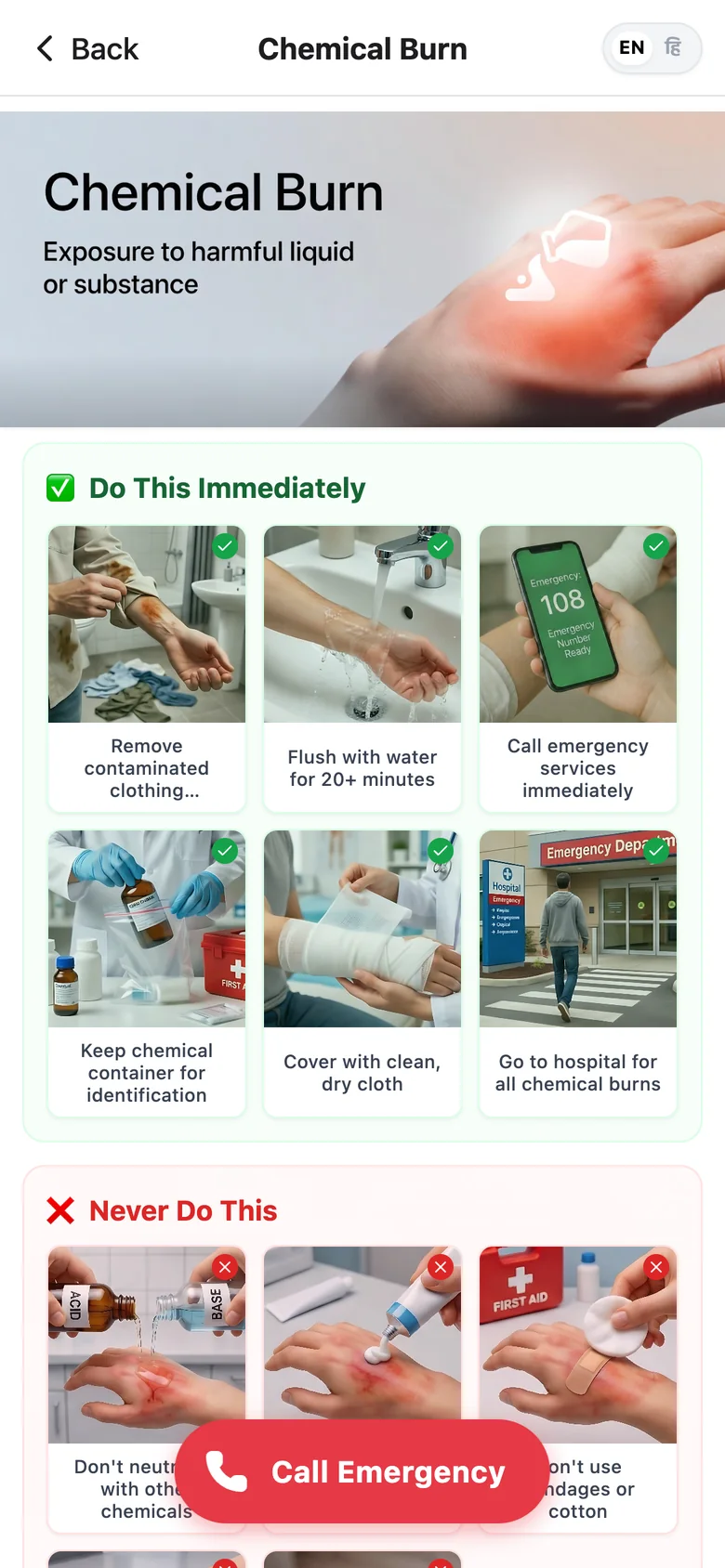
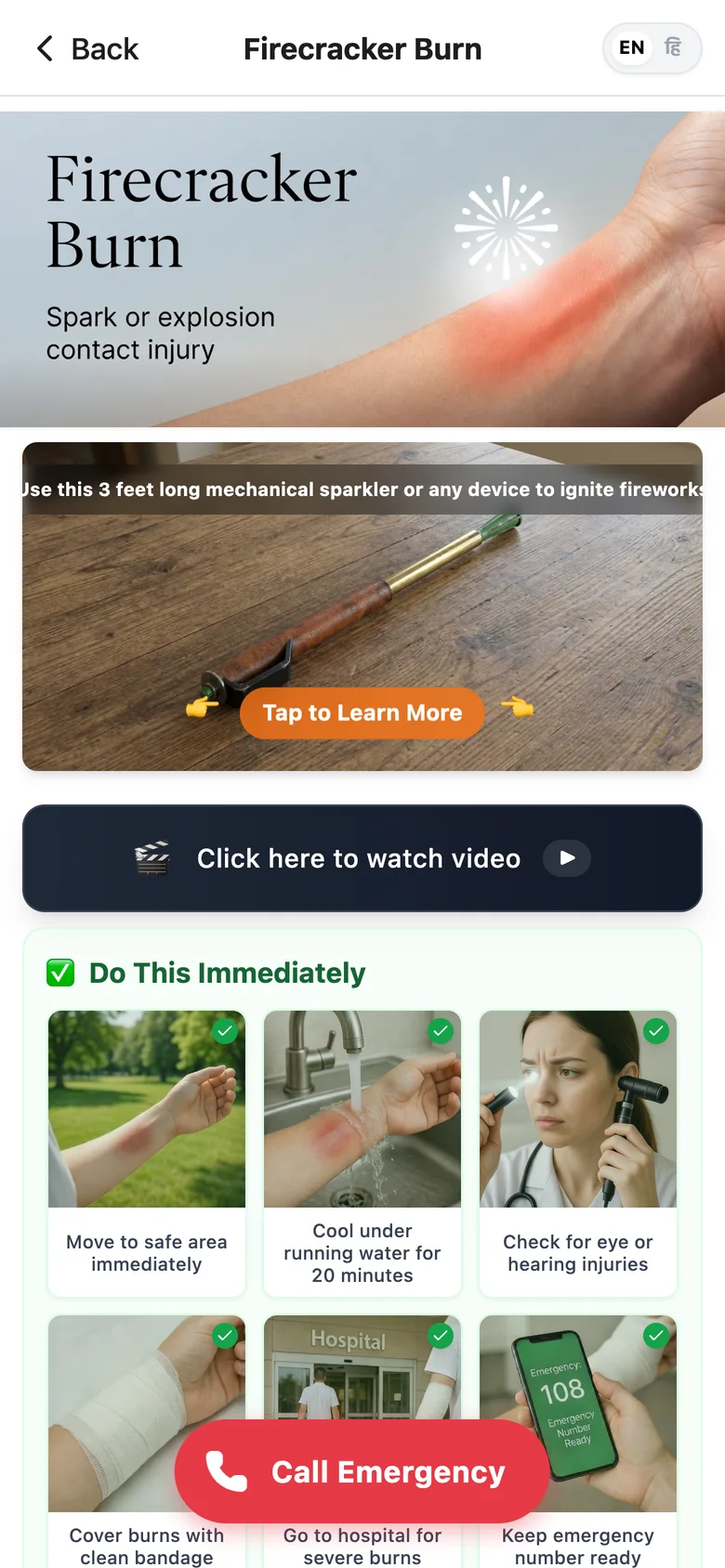
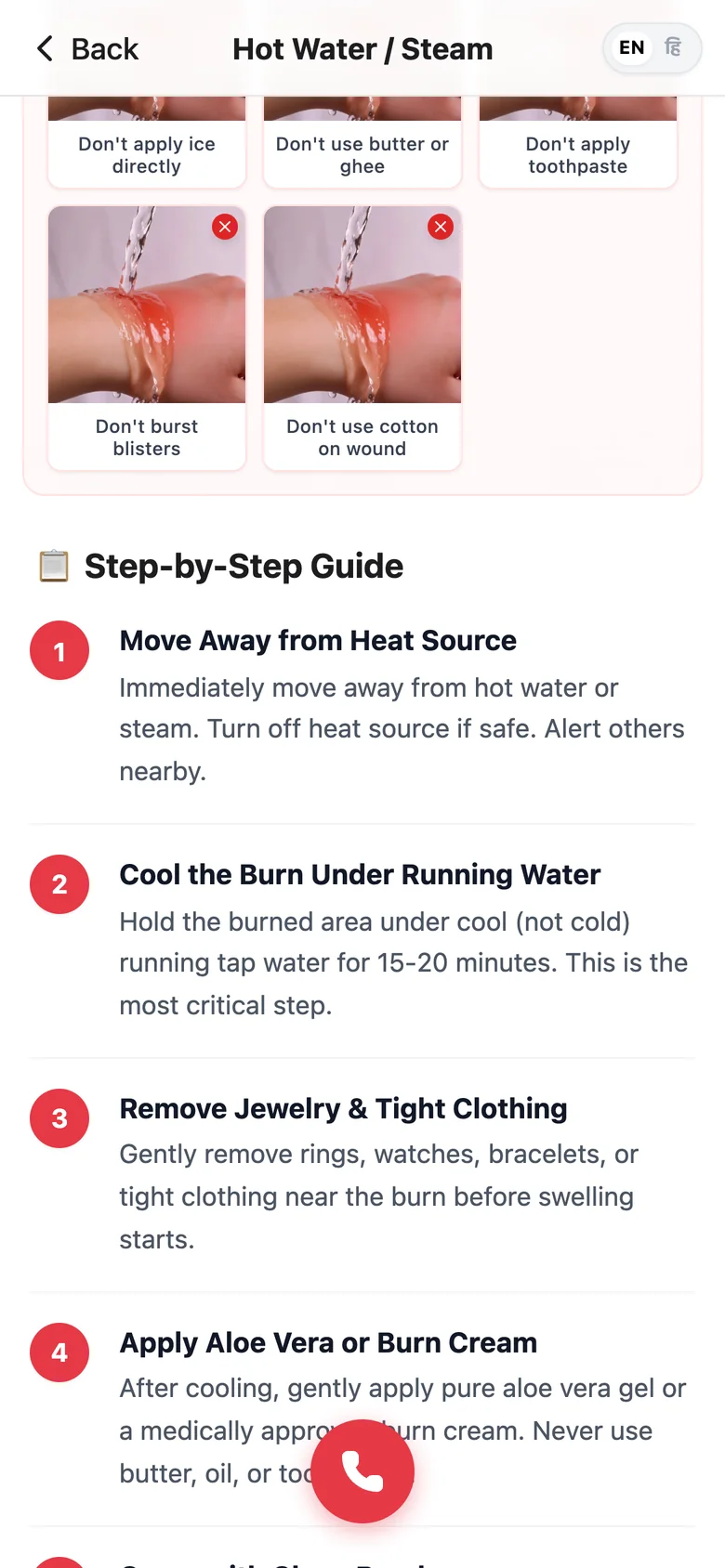
Each guide opens with picture grids, so the right action is clear before reading a word.
Plain-word labels
Every photo has a short label, like “Don’t burst blisters”.
Numbered steps
Short bold titles, calm grey text and generous spacing, readable at any age.
Red means help
Red is saved for the emergency call button, floating on every screen.

Help is one tap away. On every screen.
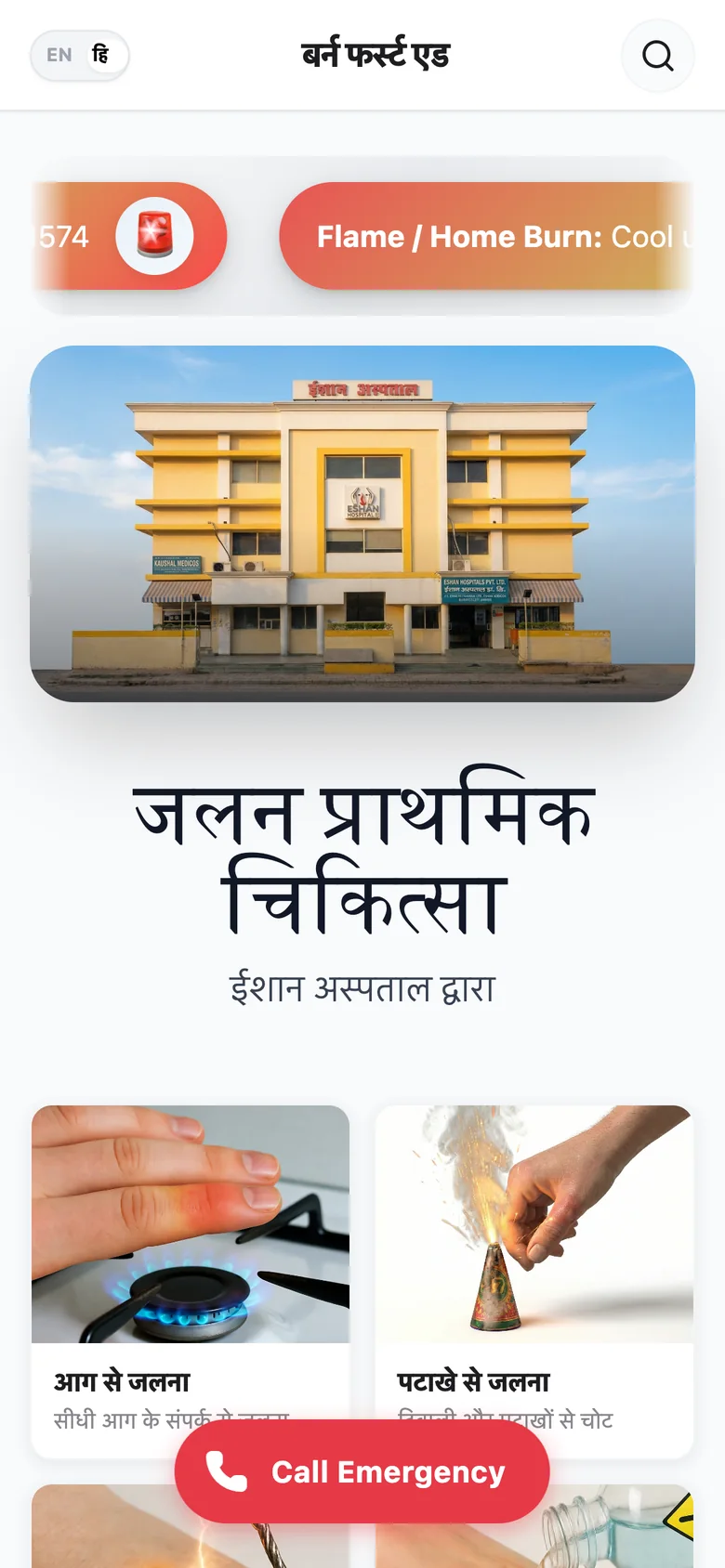
The red Call Emergency button floats at the bottom of every screen, so nobody has to hunt for it. The app also lists a hospital helpline described as available 24/7.
Home
Burn guide
Video guide
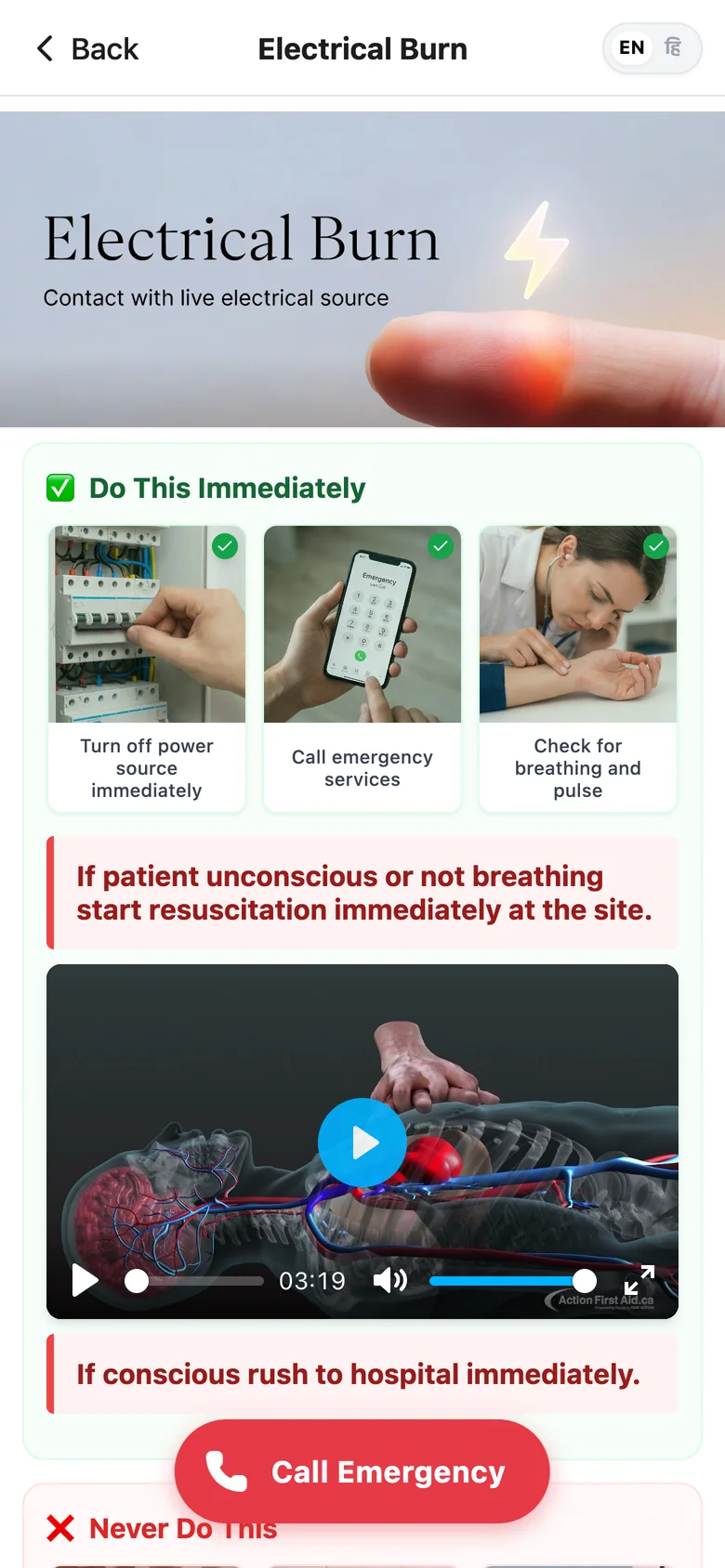
Real screens from the app. The red button is the same on every one.
Do this. Never this.
Every burn type opens with the same two picture grids, green for what to do right away and red for the common mistakes, before the detailed step-by-step guide.
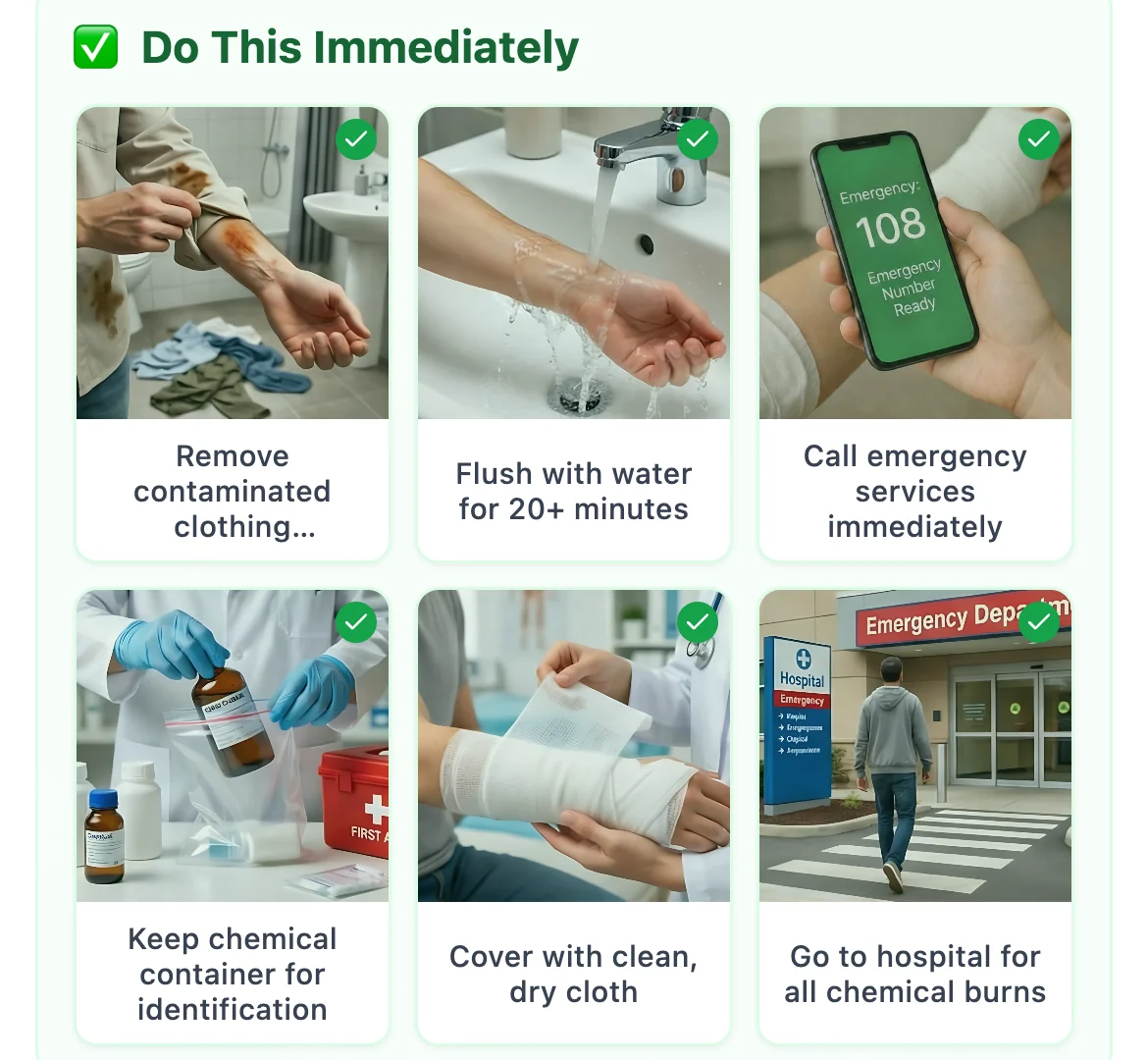
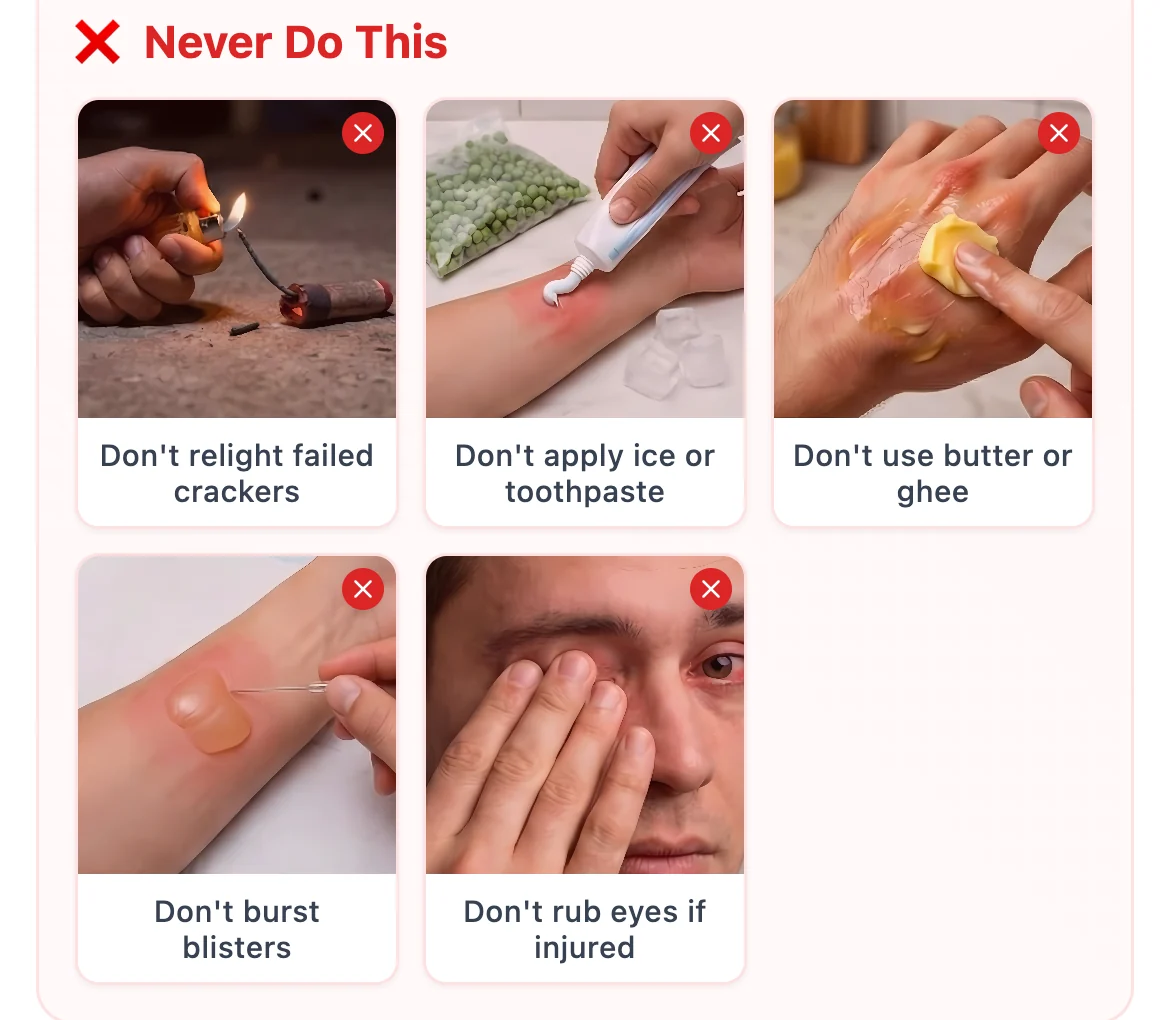
Hover to zoom. Guidance supplied by Eshan Hospital.
Two languages, one tap.
A toggle in the header switches the whole app between English and Hindi, so the guidance reaches more of the people the hospital serves.
More from the app
Drag or scroll sideways.
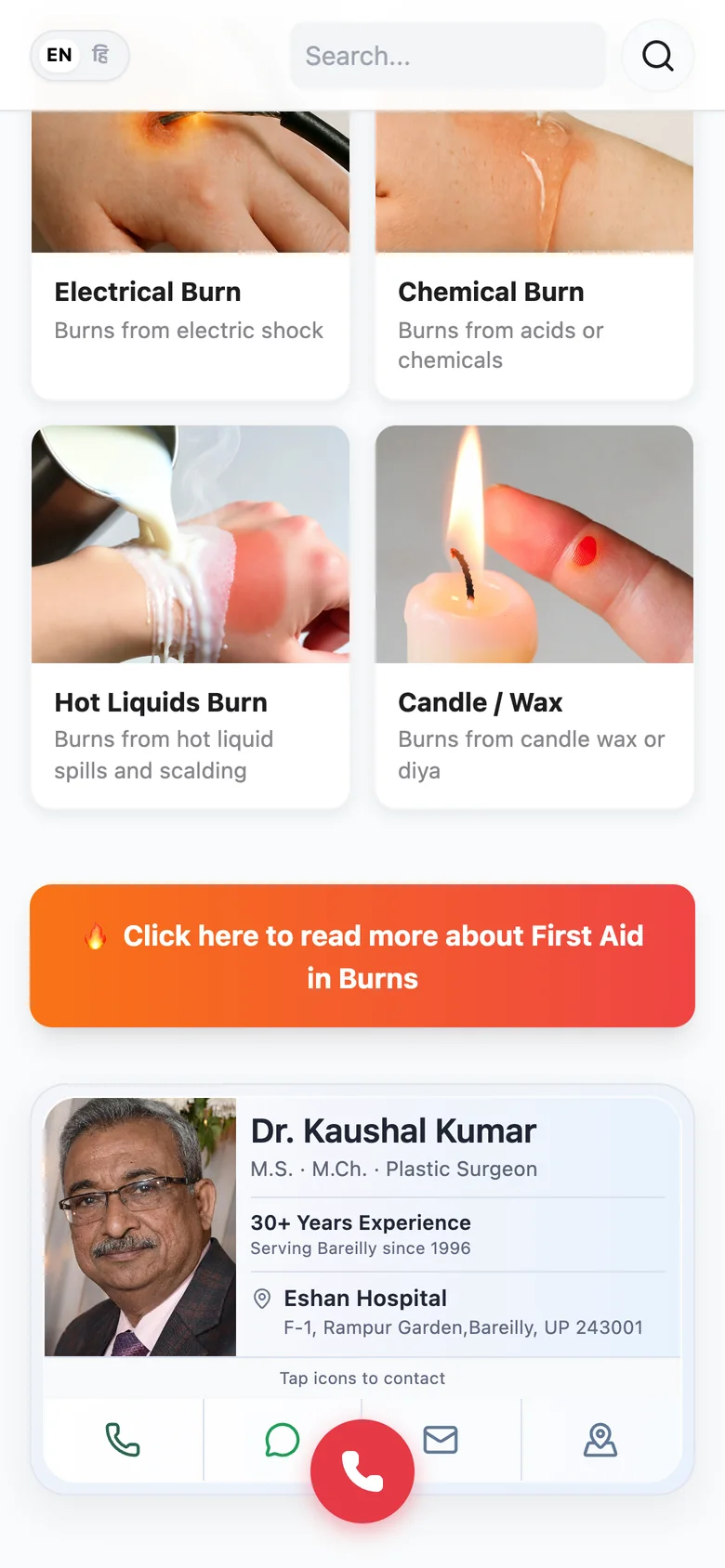
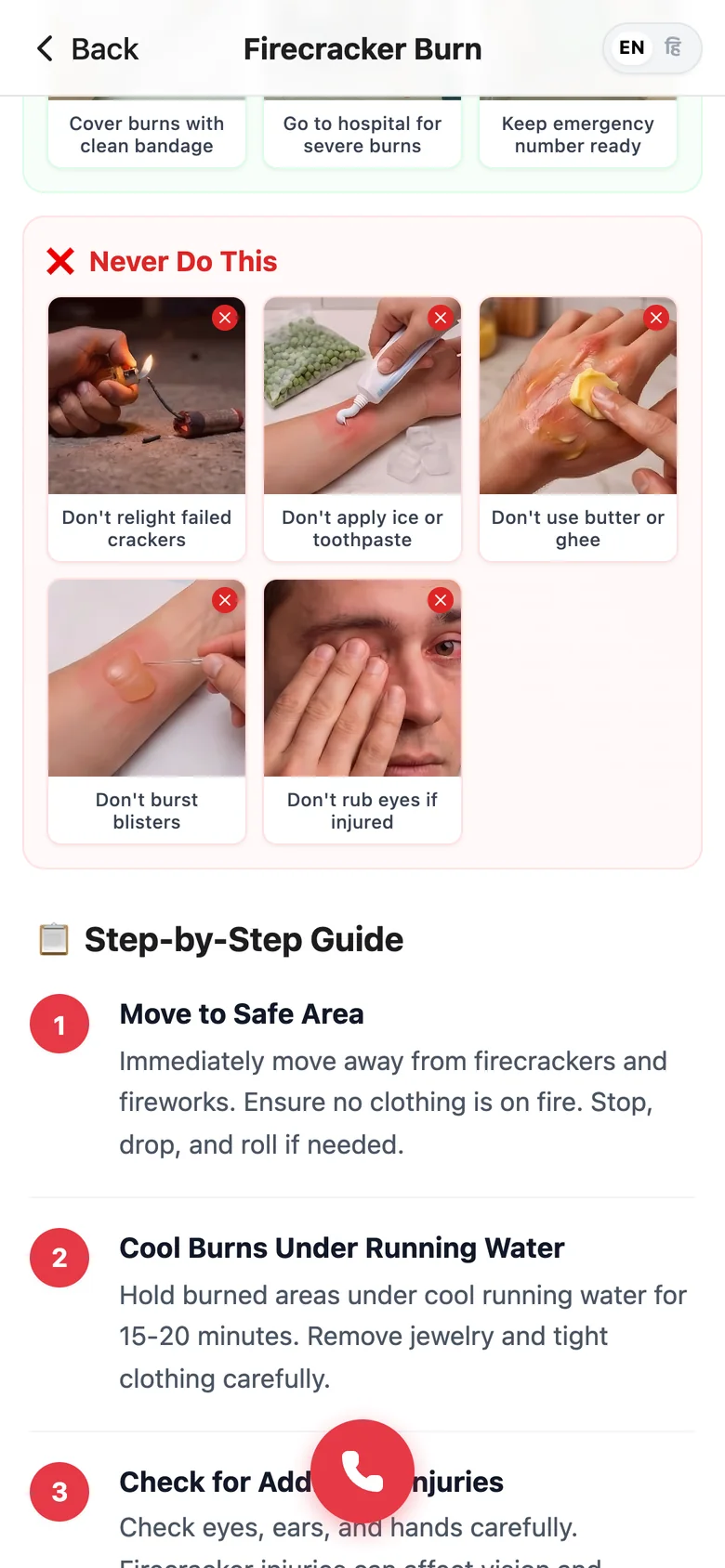
From Figma to a real app.
I made some of the first screen designs in Figma, then used ChatGPT-generated code to turn the interface into a working Android app. It was one of my first chances to take a design beyond the design file.
Figma screens
Initial interface designs.
AI-generated code
ChatGPT helped write the app.
Android app
Offline guidance and one-tap calling.
Google Play
Published by the company.
Live, and ready when needed.
Burn First Aid is published on Google Play.
The company gave positive feedback on the app. I also made the launch reel playing alongside.
What I learned
For medical guidance, colour and readability need careful thought.
And
To separate my design and build work from the hospital’s responsibility for the medical content.